Encrypted messaging
SSL / TLS encryption for chat, with your own certificate.

Unify every department, branch and remote team with secure, self-hosted messaging, file sharing, and voice and video calls, running on your own server.
Trusted by 7,500+ Companies Worldwide
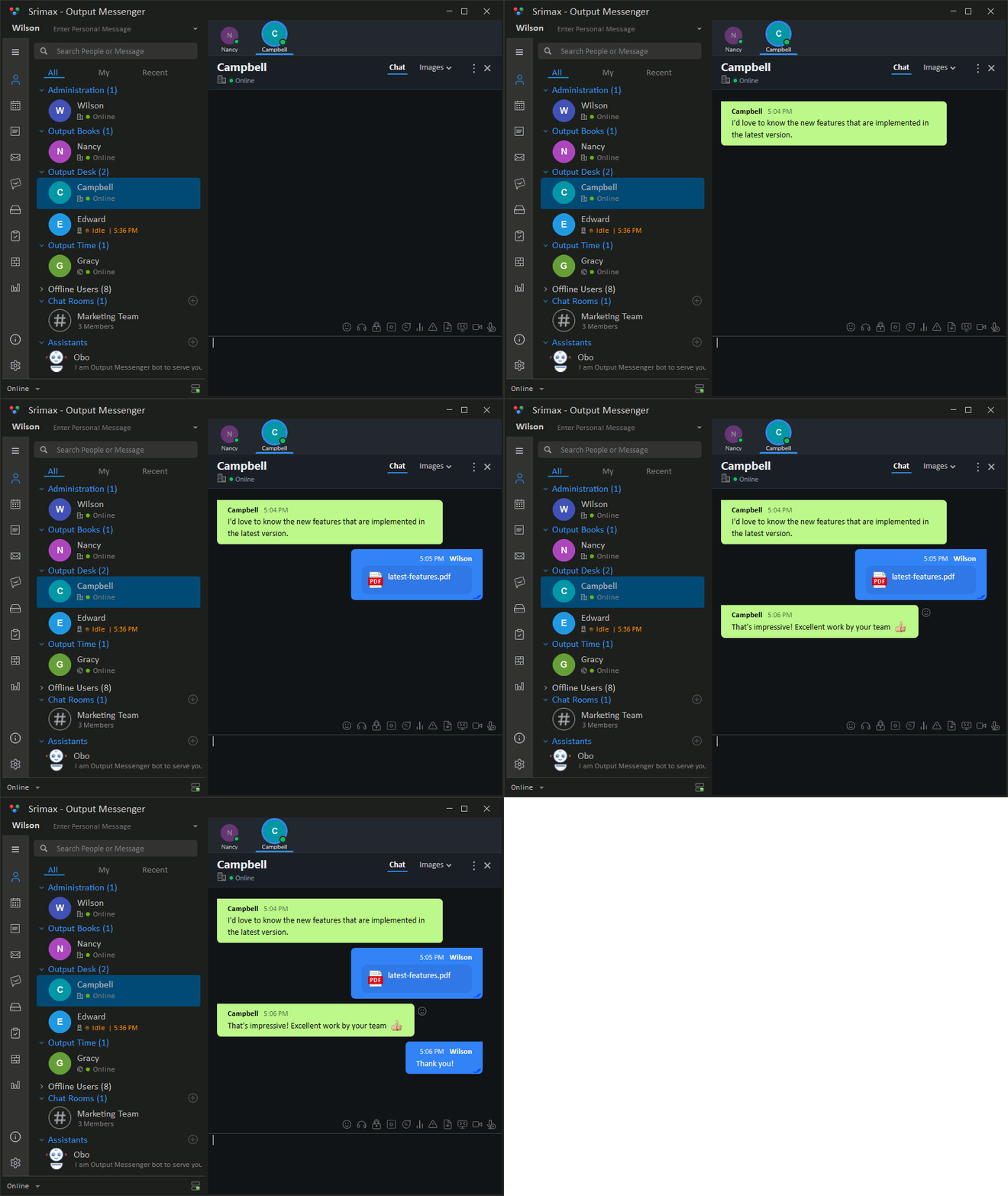
As an organization grows past a few dozen people, informal communication turns into an IT, security and compliance problem. These are the issues we hear most from IT managers, and how an enterprise messenger resolves them.
Teams use different apps, so information is scattered and cross-department requests get lost in email.
Org-wide directory, departments, group chats, chat rooms and announcements give everyone a single place to reach anyone.
Public messengers store conversations and files on third-party servers, outside your policies and your jurisdiction.
Messages, files and logs are stored on infrastructure you own, inside your network, under your backup and retention rules.
Every new hire and leaver means another account to create or remove, and another password to forget.
Users sign in with their existing directory credentials and are imported from your directory. No duplicate identities.
Staff send business documents through personal chat and file-sharing accounts that IT cannot see or audit.
Encrypted transfers, Output Drive for shared files, admin-defined communication restrictions and central logs keep sharing inside policy.
Chat in one app, video in another, tasks in a third. Licensing costs and context-switching add up.
Voice and video calls, conferencing, desktop sharing, tasks, calendar, polls and internal mail ship in the same client.
SaaS messaging fees grow every year with headcount, and you lose access when you stop paying.
Pay once per user for a perpetual license, or choose an annual plan. Predictable cost, and the software keeps working.
A single server inside your network. Office users connect over the LAN, remote users connect through your VPN or a firewall-published SSL endpoint, and your directory and database stay exactly where they are today.
Desktop, web and branch-office users connect to one Output Messenger server across your LAN or WAN. No per-user cloud accounts.
The server authenticates against Active Directory / LDAP and stores data in your MySQL or Microsoft SQL Server database. All traffic is SSL-encrypted.
Remote and mobile users reach the same server through your VPN or a firewall-published SSL port, so the experience is identical on and off the network.
Staff sign in with their domain accounts. IT imports users from the directory. No duplicate passwords, no manual setup.
| Item | Managed by |
|---|---|
| Identity & passwords | Active Directory / LDAP |
| User accounts | Directory import |
| Chats & files | Your Output Messenger server |
| Departments & permissions | Output Messenger admin panel |
| Network & firewall | Your IT team |
Keep company chat, files and calls on your own server, with the controls IT teams expect.
SSL / TLS encryption for chat, with your own certificate.
Add SMTP-based two-factor authentication to every account.
Admin and manager roles with department permissions.
Restrict who can message whom, by user or department.
Review chat logs, status history and work hours from one place.
Confidential OTR messages are never logged.
Teams on the same network keep chatting if the server is down.
On-premise data supports your residency and retention policies.
Connect remote and mobile staff over your VPN or an SSL-secured connection.
Install on your own server. Give every user a desktop, web or mobile app.
| Operating system | Windows Server or Windows 11. Linux and NAS hosting also available. |
|---|---|
| Hardware | 1 GHz CPU · 1 GB RAM · 2 GB disk, plus storage for files |
| Software | .NET Framework 4.8 (auto-installed) |
| Database | MySQL or Microsoft SQL Server |
| Directory | Active Directory or LDAP (optional) |
| Network ports | TCP 14121–14123 and 14125 · TCP/UDP 14124 (voice & video) |
| Platform | Client |
|---|---|
| Windows | Desktop app |
| Linux | Desktop app (incl. Ubuntu) |
| Mac | Desktop app |
| Web | Browser version (TCP 14123) |
| Android | Google Play app |
| iOS | App Store app |
Minimum specs. Size your server for user count and file sharing. See the server install guide.
For remote access, use a VPN or publish only the ports you need. See the remote-access guide.
Book a walkthrough with our team and see how Output Messenger fits your servers, Active Directory and remote-access setup.
An enterprise messenger is a business chat platform that gives every department one place for instant messaging, file sharing and voice and video calls, with central administration, directory integration and security controls that consumer chat apps do not provide.
Yes. Output Messenger is self-hosted. You install the server inside your own network, so messages, files and user data stay on infrastructure you control.
Yes. Users can sign in with their Active Directory accounts, and users can be imported from a directory that supports LDAP, so you do not maintain a separate set of passwords.
Desktop clients for Windows, Linux and Mac, a browser-based web client, and mobile apps for Android and iOS.
Yes. Remote users can connect over a VPN or through an SSL-secured internet connection that you publish through your firewall, so field and work-from-home staff use the same platform as office staff.
Yes. You host the server on your own network, so company data stays under your control. Chat is protected with SSL / TLS encryption, and you can install your own certificate. You can also add two-factor authentication, restrict who can message whom, and review chat logs centrally. Off-the-record messages are never logged.
Yes. Along with Active Directory / LDAP, Output Messenger has a Web API for managing users, departments and chat rooms, and for sending chat messages and notifications from your own applications. It also supports integrations such as GitHub and Jitsi Meet, so you can connect it to the tools your teams already use.
Share your details and we will get in touch to schedule your Enterprise Messenger demo.
We have received your request and will contact you shortly.