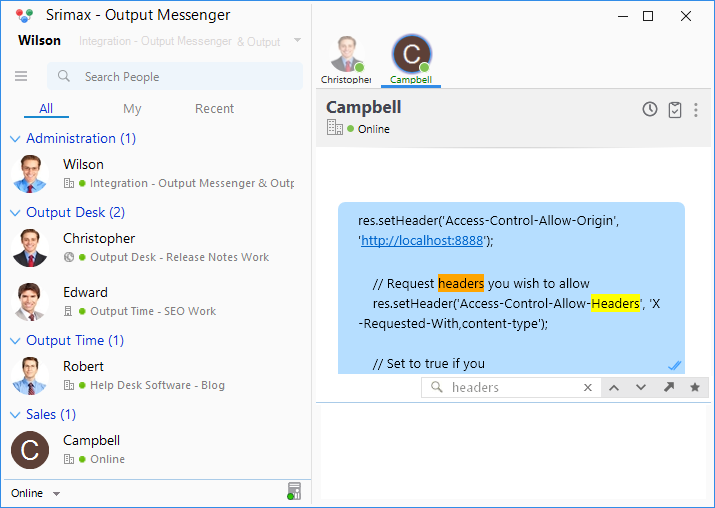
Output Messenger – Chat History reveals you the past Chat Conversations easily, as the chat sessions are stored in your local computer.
Facts
1. Can view the history of particular person or as a whole.
2. Search Chats with keywords.
3. Filter Chat sessions by Users and Time periods.
2. Search Chats with keywords.
3. Filter Chat sessions by Users and Time periods.
Chat logs can be viewed in two ways as
1. View Log.
2. Chat History.
2. Chat History.
View Log
Through the ‘View Log’ feature, you can access all of your conversations and view specific chat sessions using filters.
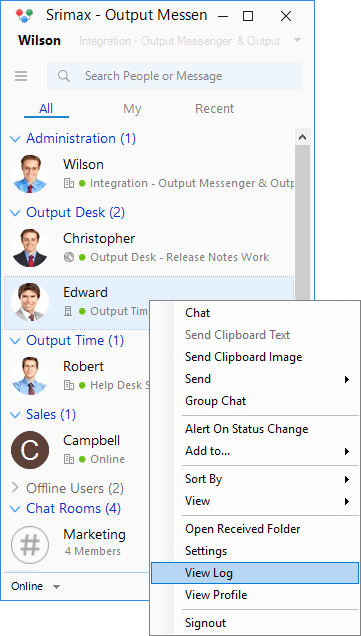
To View Log,
- Right Click on the Output Messenger User List.
- Click View Log. Now, the View Log pop-up will appear with Chat Conversation of current day.
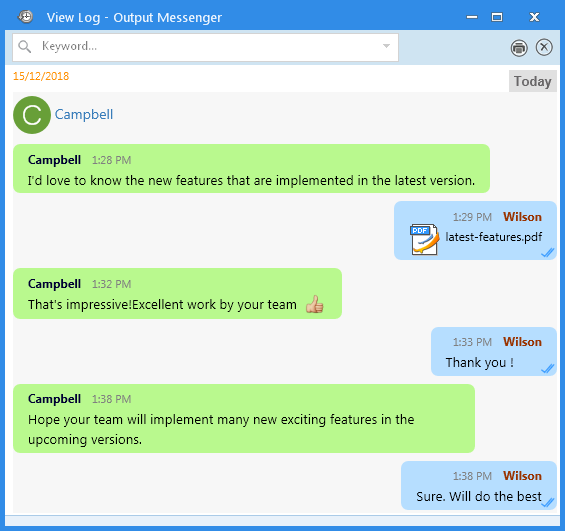
Additional Helpers
- Search Box : Helps you to search using a keyword.
- Time Filter : Helps you to load Chats for particular days from now.
- User Filter : Helps you to list Chat session with the selected Users.
Chat History
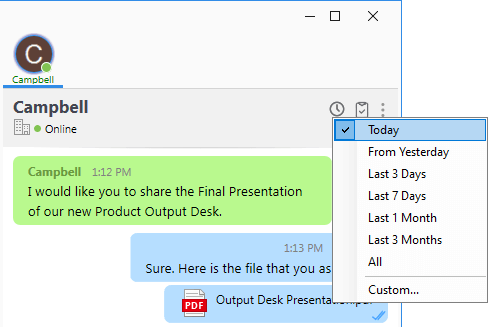
The Chat History option displays the chat session with the user whose chat window is currently open.
This option is available by right-clicking anywhere inside the chat window and selecting View Log to view previous conversations. Users can view chat history for different time periods using the available filter options.
 You can also search using particular word, using the search option at the bottom of the chat window.