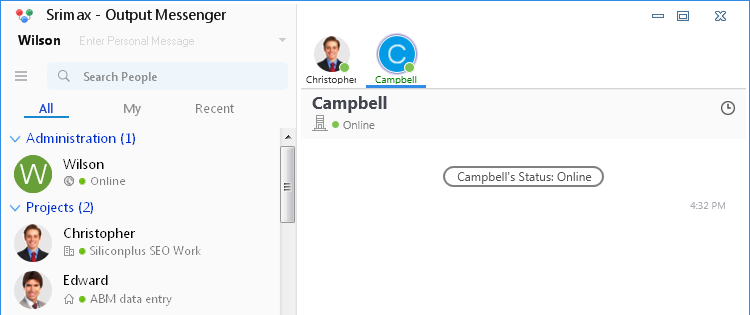
Know Your Colleagues’ Live Status
If one of your colleagues is offline or idle, you may need to keep checking their status to know when they come online.
Output Messenger makes this easier. You no longer need to monitor your colleagues’ status continuously. Simply enable the “Alert on Status Change” option to receive notifications when a colleague comes online or changes their status to Busy, Stepped Out, Idle, and more.
Set Alert for Status Change
- Right click on the User whom status change you want to know, in the User list.
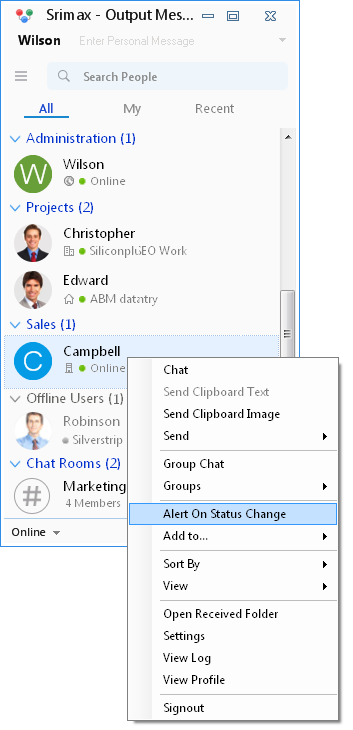
- Select “Alert on Status Change” option.
Alert box will be displayed to you, when the status of the specified user changes.